Email Integration
Integrating your email account is essential for sending personalized outreach campaigns directly through RecruitRyte. Once connected, all emails are sent from your professional address to ensure strong deliverability and trust.
1. Connecting Your Email Accounts
You can connect one or multiple mailboxes from supported email providers. This allows you to send outreach from different recruiter accounts or team members.
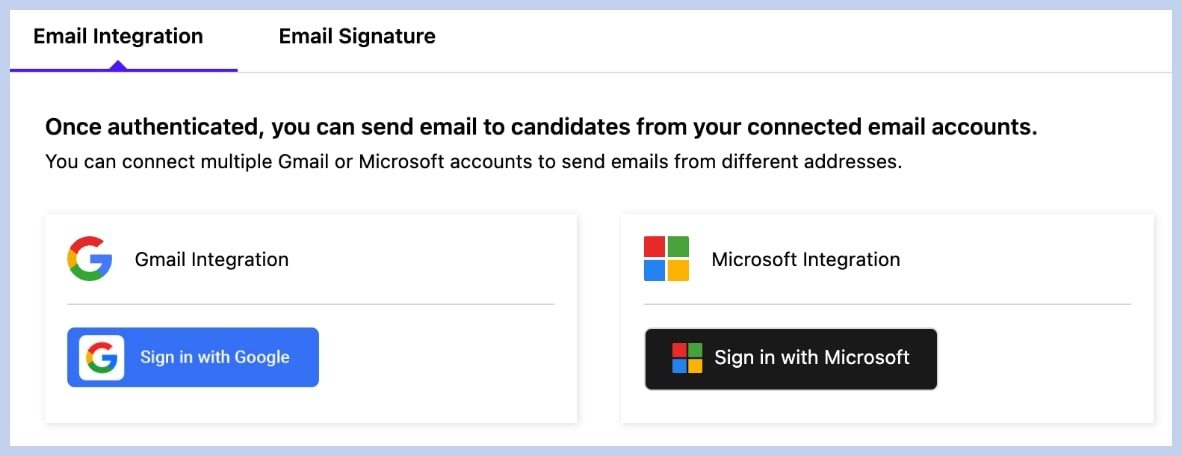
Security Note: recruitRyte never stores your email password. All connections use secure, industry-standard OAuth token-based authentication.
Connected Emails Panel
This panel shows all authenticated email addresses.

Status: Confirms whether the account is properly connected. If authentication breaks (e.g., password change), you will see Reconnect or Disconnected. Follow the connection steps again to restore access.
Managing Accounts: Use the Disconnect option to instantly revoke recruitRyte’s access to any mailbox.
2. Setting Up Your Email Signature
Click the Email Signature tab to create or edit the signature automatically added to all campaign and individual emails.
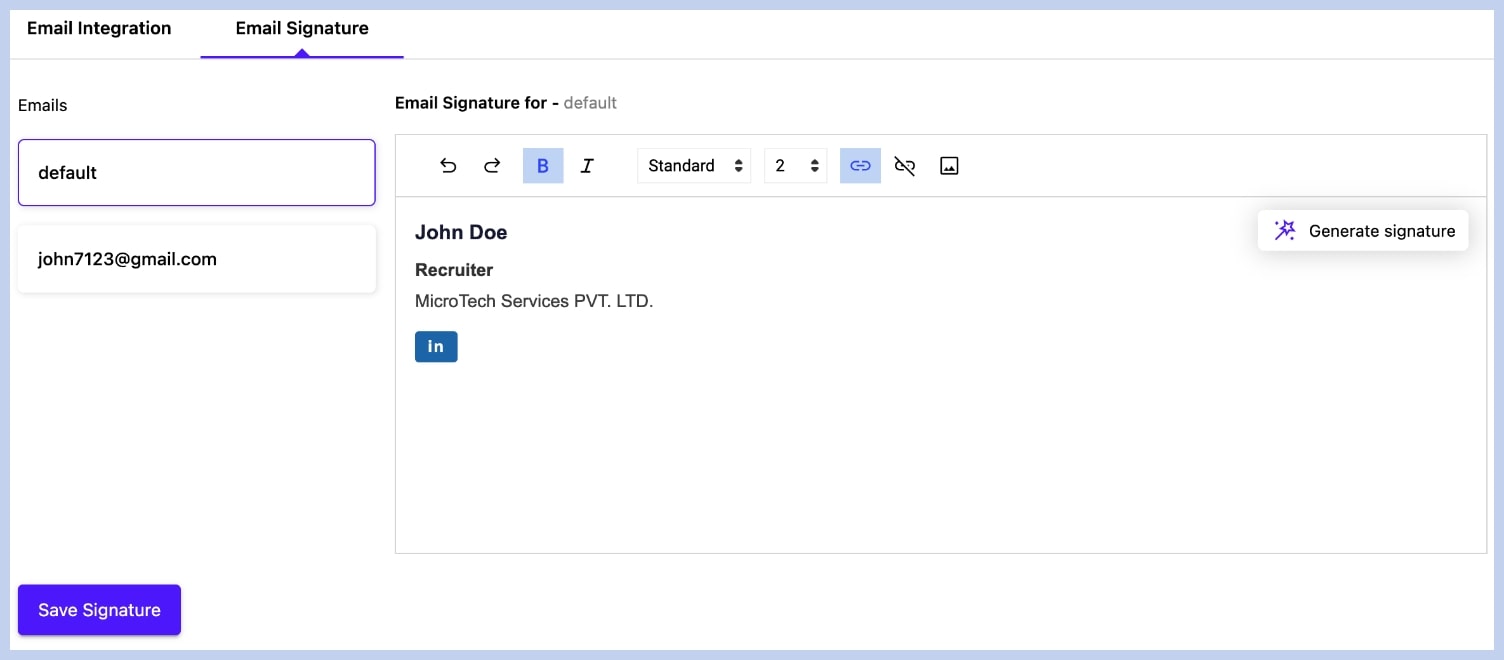
Best Practice: Include your full name, title, company name, and phone number to maximize credibility and encourage candidate response.
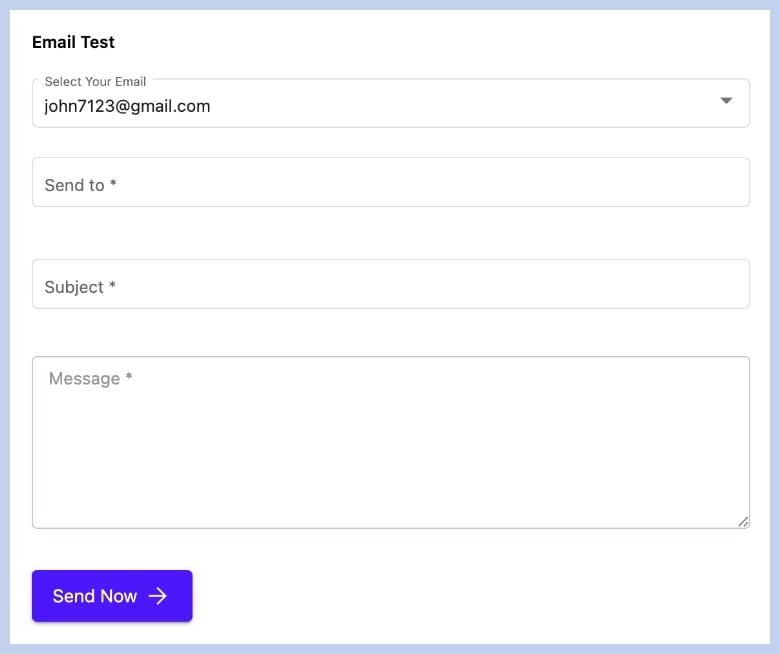
3. Testing Your Integration (Manual Send)
The bottom section allows you to send a quick test email to verify that your connected mailbox is functioning correctly.