
Chat Based Search (Refining Results)
The Chat feature allows you to refine, expand, or modify your search results using natural language—without manually adjusting filters or starting a new search. The system updates candidate results in real time based on your instructions.
How to Use Chat Refinement
After running an initial search (by Job Description, Similar Profile, or Keywords), the chat feature becomes your dynamic tool to:
Narrow down results: Examples: Exclude candidates from certain companies, limit to specific locations.
Expand your criteria: Add related job titles, adjacent skills, or broader role variations.
Apply complex logic: Example: “Find candidates with 10+ years of experience who have worked at a FAANG company but currently live in Texas.”
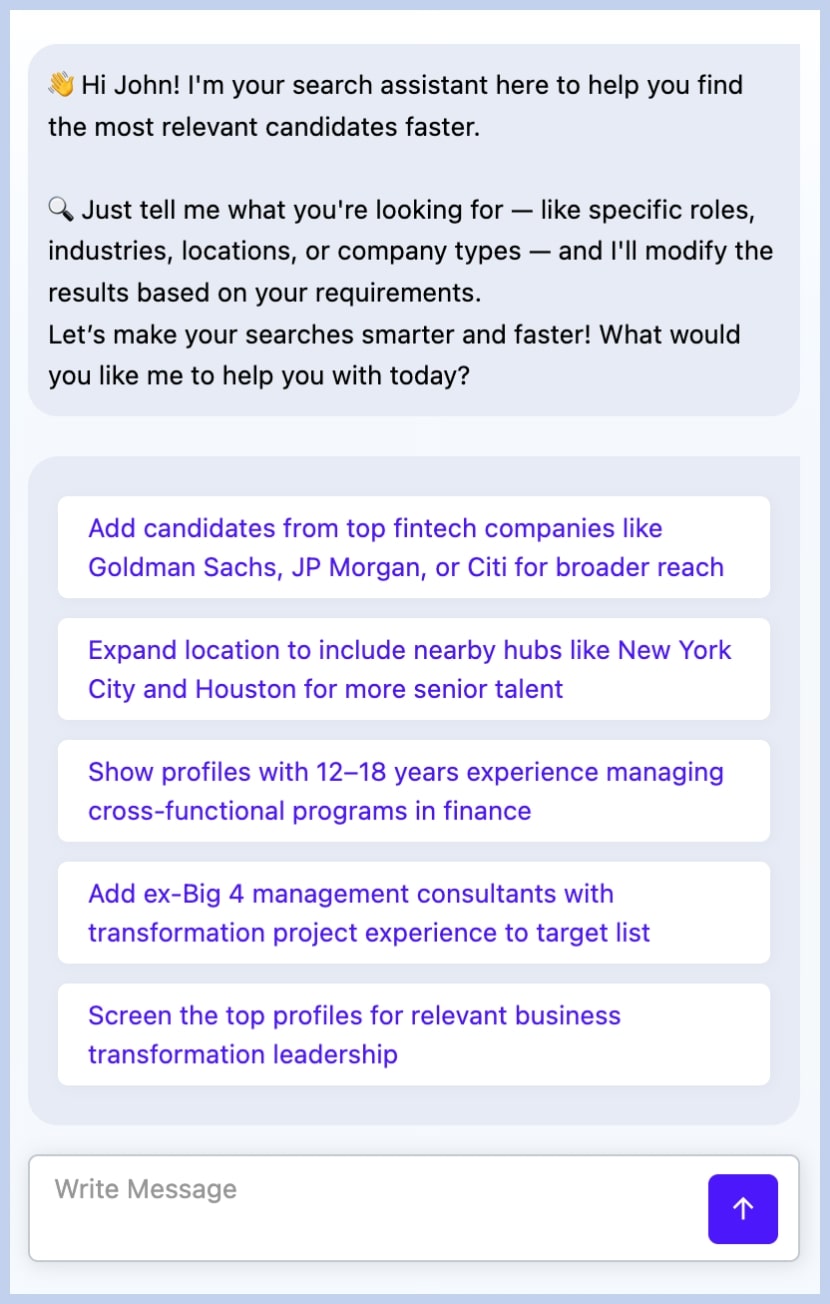
Review the AI’s Summary (Follow-up Chat):
Once you send a chat instruction, recruitRyte will generate a Follow-up Chat Summary explaining exactly what filters or logic it will apply.
If the summary is correct: The results update instantly.
If you need to adjust: Simply continue the conversation.
Example: “No, only filter by New York, not Houston.”
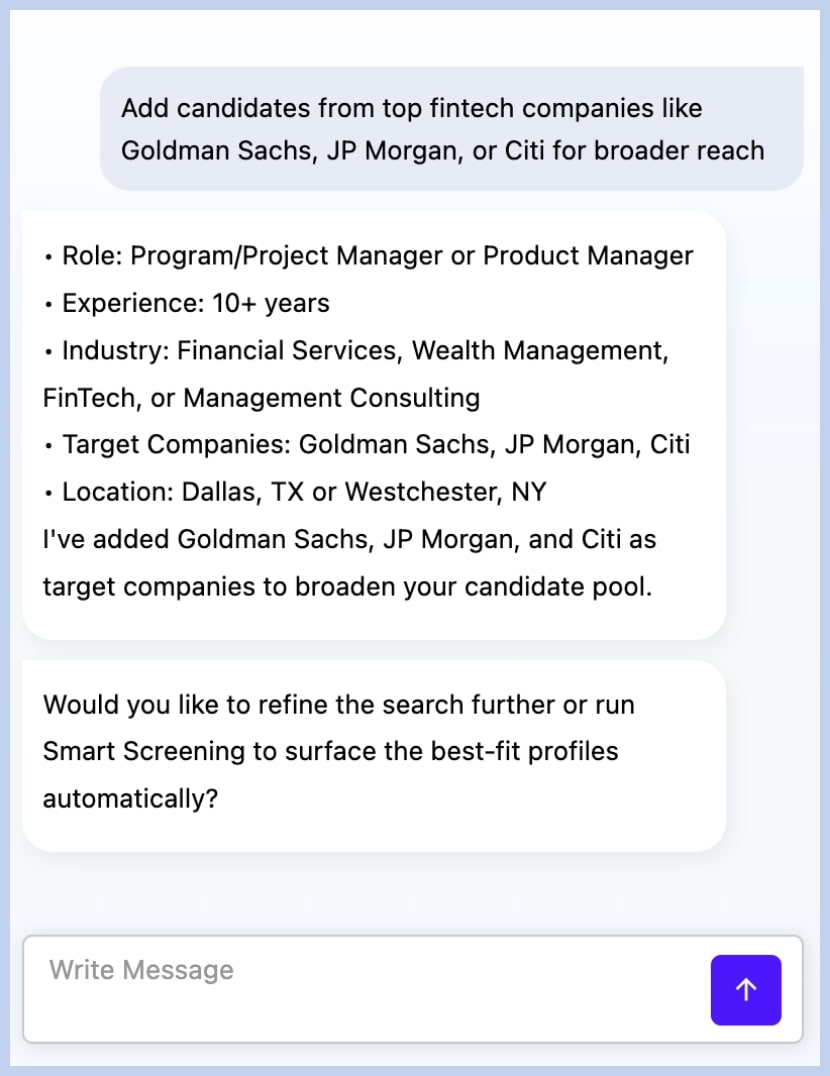
Final Screening via Smart Screening: After refining the list, the AI may suggest running Smart Screening on the updated results. This enables deeper analysis based on custom criteria and contextual evaluation.
Integration Note:
All Chat-based refinements automatically update the Filters section in the left panel. You can manually review or adjust these filters at any time by opening the Filters panel.